
How to Fix Amazon Error 8572 (GTIN Mismatch) Without Paying GS1
You’ve done the product research, sourced your inventory, and you are finally ready to create your Amazon listing. You type in your brand name, enter your UPC code, hit save, and instantly hit a brick wall:
"Error 8572: You are using UPCs, EANs, ISBNs, ASINs, or JAN codes that do not match the products you are trying to list."
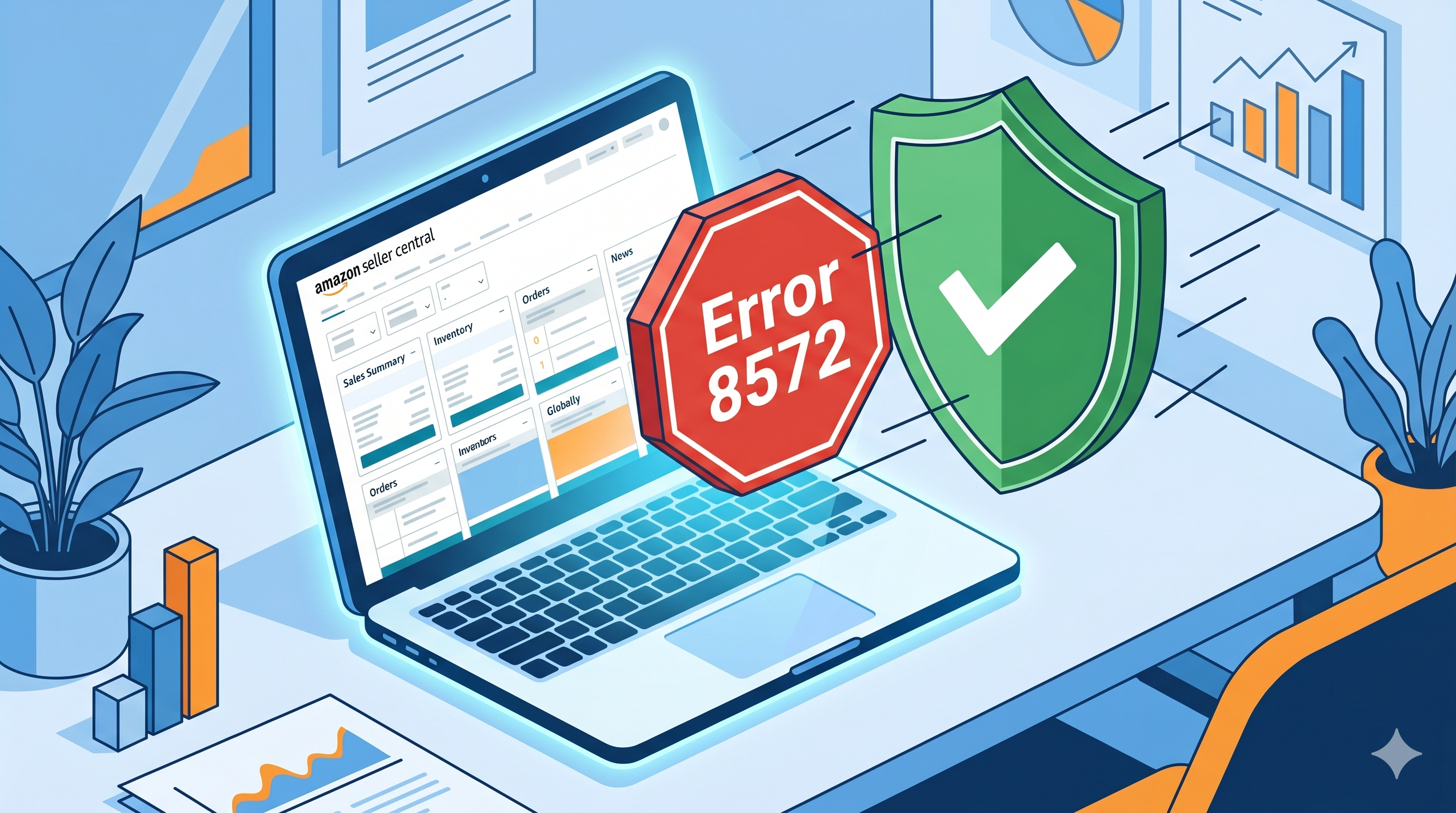 The Amazon Error 8572 database mismatch screen in Seller Central.
(Read our full breakdown of the "You are using UPCs, EANs..." Amazon error message here.)
If you are seeing this, your first instinct might be panic. You might wonder if you bought fake barcodes, or worse, if you now have to pay GS1 thousands of dollars in annual membership fees just to sell your product. As the manager at UPCs.com, I speak to sellers facing this exact issue every single day.
The good news? Your barcodes are perfectly valid, and you do NOT need a GS1 subscription.
In this guide, I will explain exactly why Amazon throws Error 8572, what it actually means, and the simple, step-by-step process to fix it using the "Own, Don't Rent" method. (Before diving into the fix, you may also want to brush up on the broader Amazon FBA UPC requirements to ensure your listing is fully optimized.)
What Actually Causes Error 8572?
Error 8572 is a database mismatch error, not an "invalid barcode" error.
When you enter a UPC into Seller Central, Amazon's algorithm automatically checks the GS1 GEPIR database. If you purchased a legitimate third-party barcode (like the ones we sell at UPCs.com), you own a "Legacy" code. These codes were legally issued before 2002 and are owned outright by the original purchaser.
Because these codes pre-date the modern subscription system, the GS1 database still lists the original company name (e.g., "Acme Corp") as the owner of that numbering prefix. When Amazon’s bot sees that your brand name ("Joe's Coffee") doesn't match "Acme Corp," it flags the listing to prevent brand hijacking.
Amazon isn't rejecting the code; they are simply asking: "Can you prove Joe's Coffee is authorized to use these numbers?"
The Solution: The Letter of Affiliation & Certificate
To clear Error 8572, you must provide Amazon with a Letter of Affiliation (LoA) along with your Certificate of Ownership. These legal documents securely bridge the missing link between the GS1 legacy database details and your private brand setup.
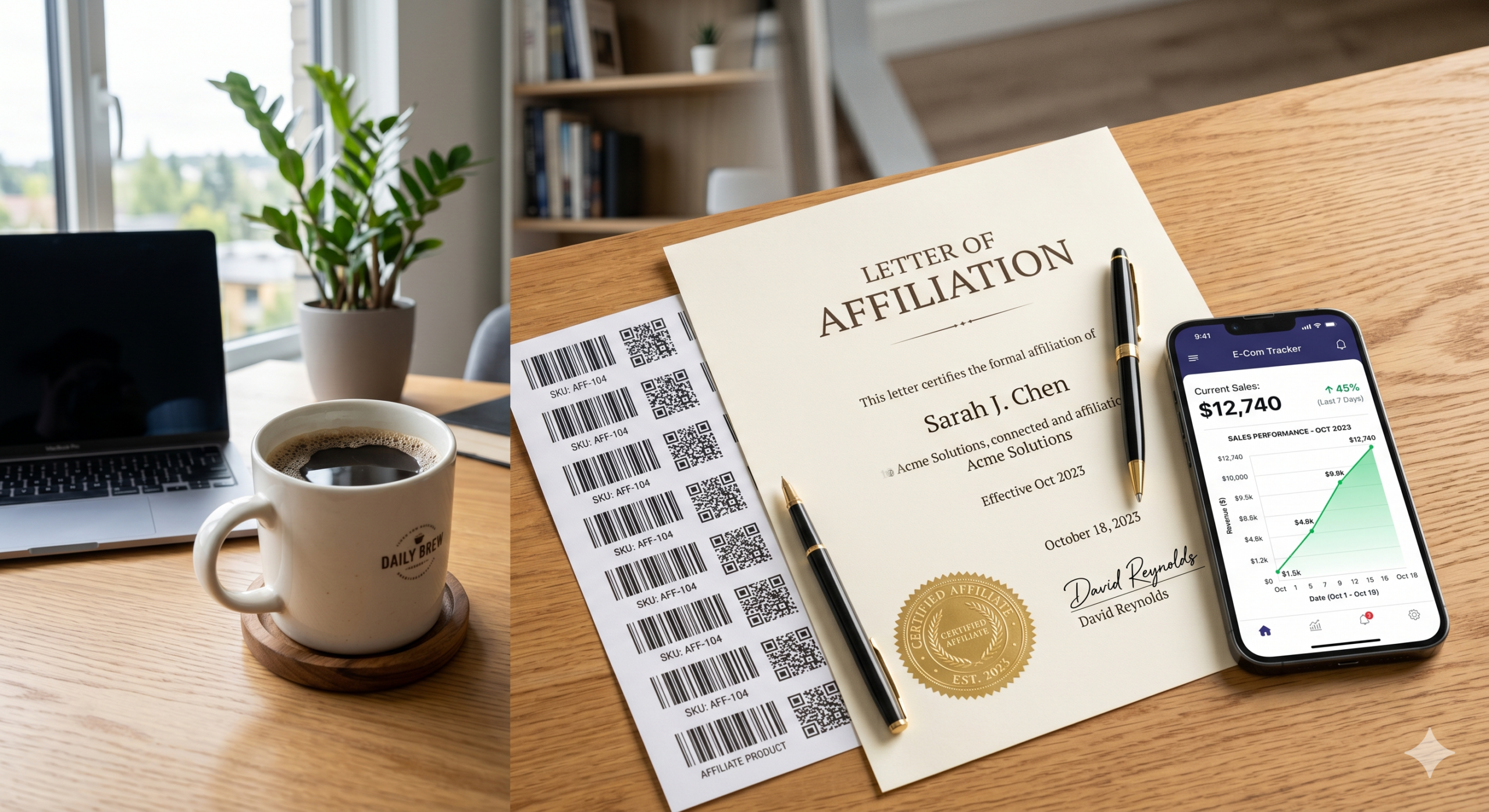 An authorized Letter of Affiliation (LoA) provided directly by UPCs.com.
When you buy your codes from UPCs.com, we provide this documentation upon request. It explicitly states that we (the legal owners of the legacy prefix) authorize your brand to use these specific UPCs.
Step-by-Step: How to Fix Error 8572 in Seller Central
-
1
Gather Your Evidence
Before contacting Amazon, you need three things ready to upload:
- Your Letter of Affiliation: Contact our support team with your order number and exact brand name to generate this.
- Your Certificate of Ownership: The initial legal receipt emailed to you upon purchasing your blocks.
- Proof of Product: Take 2-3 clear, real-world photos of your product. The packaging MUST clearly display your Brand Name (permanently affixed) and the barcode layout you are using. (See: how to print barcode labels.)
-
2
Open a Support Case
Log into Amazon Seller Central and navigate to Help > Get Support > Selling on Amazon > Browse for your issue in the menu > Products, Listings, or Inventory > Trouble adding a product.
Select the option to create an email case.
-
3
Use This Exact Template
Copy and paste this message directly into your support ticket text area (be sure to fill in your personal brand bracket details):
"Hello Amazon Support,
I am attempting to add a new product but I am receiving Error 8572 (GTIN Mismatch). I am the brand owner of [Your Brand Name]. I have legally purchased my UPC barcodes and have the authorization to use them.
I have attached the following documentation to verify my product and barcode ownership:
1. A Letter of Affiliation proving my brand is authorized to use these UPCs.
2. My Certificate of Ownership.
3. Real-world images of the product showing the permanently affixed brand name and the UPC barcode.
Please review the attached documents and whitelist my brand so I can proceed with my listing. Thank you." -
4
Wait for the Whitelist
An Amazon representative will manually review your clear attachments (usually completed within 24–48 hours). Once verified, they will map and whitelist your brand name matching your specific UPC ranges. You can then simply hit "Save" on your listing.
Why Rent from GS1 When You Can Own?
While buying directly from GS1 stops the database mismatch out of the box, it hits your operational bottom line hard with a subscription loop model. If you ever decline to pay the recurring costs, your catalog ceases system functionality.
| Barcode Provider | Model | Upfront Fee | Annual Renewal | If You Stop Paying? |
|---|---|---|---|---|
| GS1 Direct | Renting | High setup fees | Mandatory Every Year | Barcodes are deactivated |
| UPCs.com | Owning | Low one-time fee | $0.00 (None) | You keep your codes forever |
Taking 10 minutes to submit your issued Letter of Affiliation and Certificate safely bypasses the internal mismatch flag, saving you thousands of dollars over the active lifespan of your scaling e-commerce brand.
Stop Renting. Start Owning.
Join over 150,000 businesses using our codes to sell securely on Amazon, Walmart, and beyond.
Buy UPC Barcodes Now