
Google Shopping and Merchant Center: Why Valid GTINs Get Your Products Seen
You've set up Google Merchant Center, connected your store, and your products are finally eligible to show in Google Shopping — then the warnings start: "Limited performance due to missing identifiers," or worse, items disapproved for an invalid GTIN. Many sellers leave the barcode field blank and hope for the best. So does Google Shopping really need a GTIN, and what happens if you don't have one?
The direct answer: Google asks for a GTIN — in the US, your 12-digit UPC — for every new product that has one, and uses it to understand exactly what you're selling. Products with a valid UPC and matching brand give Google the clearest possible signal; products without one can be flagged for limited performance, and invalid numbers can get items disapproved. Below is how Google uses GTINs, when "identifier exists: no" is the honest answer, and how to fix your feed.
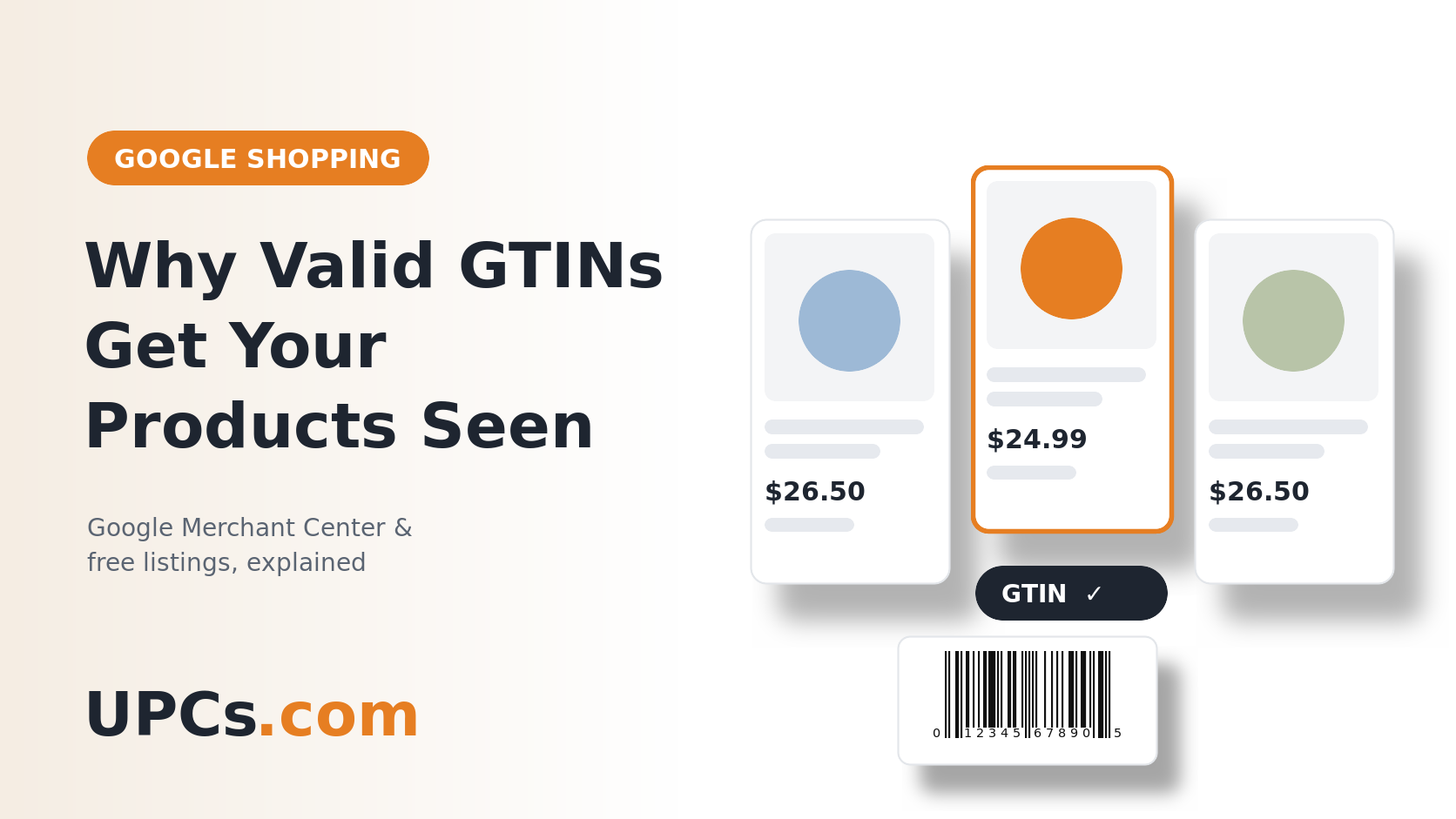 A valid GTIN tells Google exactly which product you sell, so your listing can be matched and shown with confidence.
How Google Uses Your GTIN
Google Shopping and free product listings show millions of products from thousands of stores. To make sense of them, Google groups identical products together — and the GTIN is the most reliable way to do that. When your listing carries a valid UPC:
- Google knows exactly what the product is, rather than guessing from your title and photos.
- Your listing can be matched to the right product and shown alongside other offers for it.
- Your data looks complete and trustworthy, which avoids the "missing identifiers" warnings in Merchant Center.
The Three GTIN Situations in Merchant Center
| Your Situation | What to Submit | What Happens |
|---|---|---|
| Product has a valid UPC | The UPC in the gtin field, plus your brand |
The strongest signal Google can get |
| Product truly has no code (custom, handmade, vintage) | identifier_exists set to "no" |
Accepted, but Google has less to match on |
| Branded product sold in quantity, no code yet | Get UPCs, then add them | Until then, expect "missing identifiers" warnings |
| Made-up or copied number | Nothing — remove it | Google checks the check digit and number ranges; invalid codes can be disapproved |
The "Identifier Exists: No" Trap
Feed apps make it easy to switch identifier_exists to "no" for every product just to clear the warnings. That setting is meant for items that genuinely have no code. Using it for branded products you sell in quantity hides the real problem: Google still doesn't know exactly what your product is. If you're building a brand, the fix is to give each product its own UPC. (How many you need: how many UPC codes do I need?)
Common GTIN Errors (and Fixes)
- Invalid check digit: usually a typo or a number from a free generator. Verify any code with our check digit calculator. (How it works: how to read a UPC barcode.)
- One code on several variants: each size and color needs its own UPC. Group variants with
item_group_idinstead of sharing a code. - Brand mismatch: the
brandin your feed should match the brand printed on the product. - Store-internal numbers: SKUs or in-store codes aren't GTINs. Keep them in your SKU field. (The difference: SKUs vs. UPCs.)
Step-by-Step: Fixing Your Google Feed
-
1
Find the Products Google Is Flagging
In Merchant Center, open the product diagnostics and look for "missing identifiers" and "invalid GTIN" issues. That's your to-do list.
-
2
Get a UPC for Every Product and Variant
Order your codes at UPCs.com — delivered within minutes, owned forever, with no renewal fees.
-
3
Add the Codes in Your Store, Not Just the Feed
In Shopify, enter each code in the variant's Barcode field; in WooCommerce, use each product's or variation's GTIN/UPC field. Your Google sales channel or feed plugin passes it to Merchant Center. (Store setup: barcodes for Shopify, Etsy, and WooCommerce.)
-
4
Set Brand and Identifier Settings Correctly
Make sure every product has the right brand, and switch
identifier_existsback on for any product that now has a UPC. -
5
Use the Same Codes on Every Channel
The UPC you give Google should be the same one on your packaging, Amazon, and eBay. (More: do you need a UPC to sell on eBay? and UPC codes for Amazon.)
Frequently Asked Questions
Is a GTIN required for Google Shopping?
Google asks for a GTIN for new products that have one. Products that genuinely have no code, such as handmade or custom items, can be submitted with identifier_exists set to "no."
Is a UPC the same as a GTIN?
Yes. A 12-digit UPC is a type of GTIN, and it's the one used for products sold in the US. (Explained: GTIN vs. UPC.)
Can I use a free barcode generator for my Google feed?
No. A generator can draw a barcode image, but it can't give you a genuine number of your own. (Why: online barcode generators.)
Do I need a different GTIN for each size and color?
Yes. Each variant is its own product with its own UPC; use item_group_id to group them.
Give Google the Data It Wants
Authentic UPC codes delivered in minutes — one for every product and variant. Clear the "missing identifiers" warnings and use the same codes on every channel.
Buy UPC Barcodes Now