
Already Printed Your Packaging Without a Barcode? How to Add UPC Barcode Stickers That Scan
It happens all the time: the boxes are printed, the pallets have arrived — and then a retailer, Amazon, or your new 3PL asks for a UPC barcode on every unit. Or you've switched suppliers and the old barcode on your packaging no longer belongs to you. Reprinting thousands of boxes isn't in the budget or the timeline. So can you just add a UPC barcode sticker to packaging you've already printed?
The direct answer: yes. A barcode sticker is a perfectly good way to add a UPC — as long as it's a full-size code on an opaque white label, placed flat, covering any old barcode completely, and applied in the same spot on every unit. Then fold the barcode into your artwork at the next print run. Below is how to choose the sticker, where to put it, and how to label a whole shipment without mistakes.
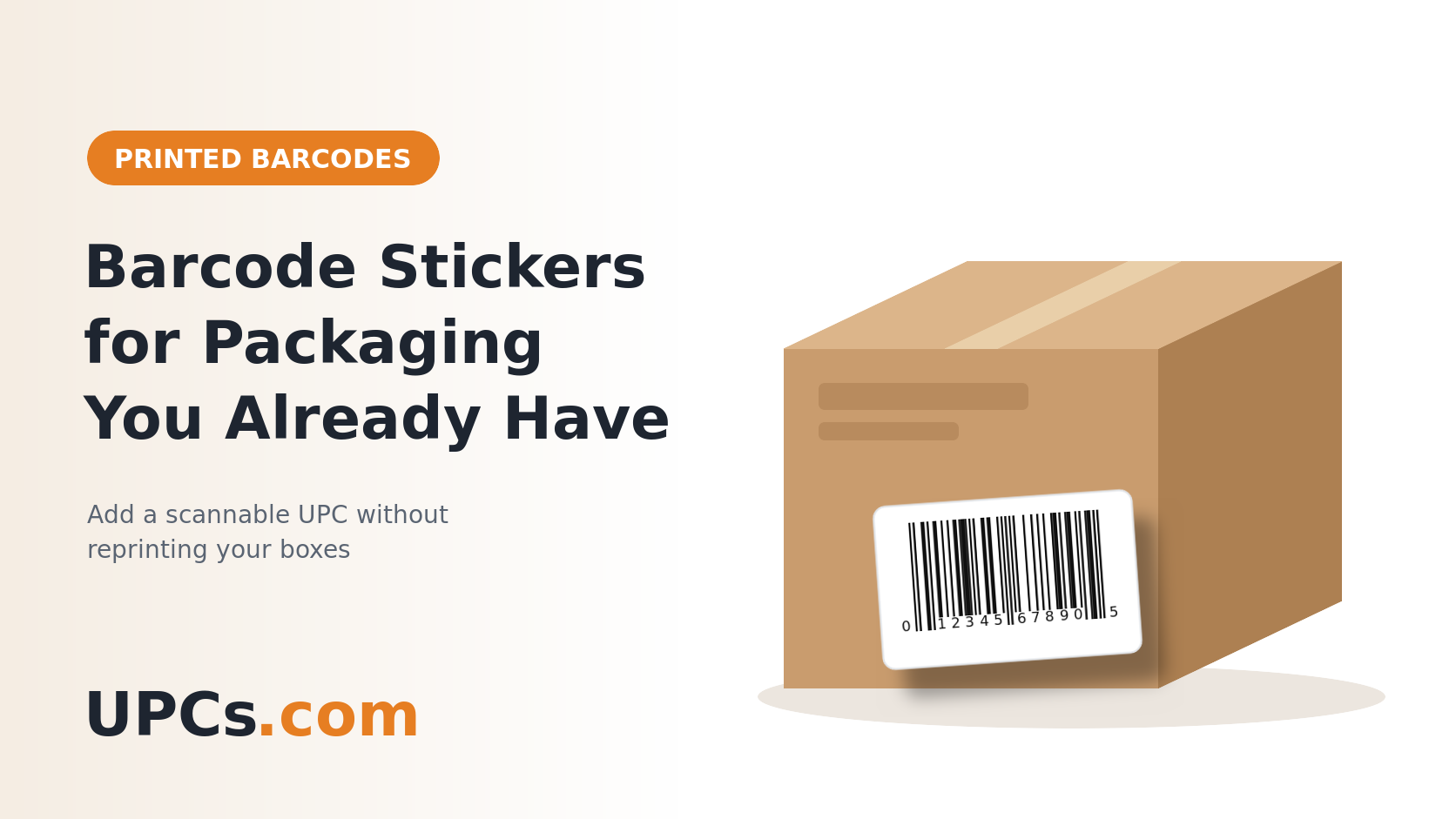 A white barcode label adds a scannable UPC to packaging that's already printed — no reprint needed.
Your Options When Packaging Has No Barcode
| Option | Best For | Trade-Off |
|---|---|---|
| Barcode sticker | Inventory you already have, and small runs | Labor to apply each label |
| Reprint the packaging | Your next production run | Cost and lead time; your current stock still needs labels |
| Hang tag or neck tag | Apparel, bottles, and items with no flat surface | Tags can be removed or torn off |
| Sleeve or belly band | Gift boxes and premium packs | Extra printing and assembly |
For most brands, the answer is both: stickers for the stock you have now, and the barcode printed into the artwork next time. (Artwork specs for the reprint: barcode files for packaging designers.)
Choosing the Right Barcode Sticker
- Size: a standard UPC needs a label of about 1.5" × 1" or larger. Don't shrink the barcode below 80% of standard size to fit a smaller sticker.
- Opaque white: the label must fully hide whatever is printed underneath, especially an old barcode. A see-through label lets scanners read both codes.
- Matte finish: glossy labels can reflect light back into the scanner.
- Material to match the pack: paper for dry boxes and bags; film for bottles, jars, or anything that gets wet or cold. (Full guide: which barcode label material should you use?)
- Size and color text: if you sell several variants in similar boxes, print the variant name under the barcode so the right sticker goes on the right box.
Where to Put the Sticker
- On a flat panel — back or bottom — away from edges, folds, seams, and flaps.
- Over the old barcode if there is one, covering it completely. Two barcodes on one pack confuse scanners and can ring up the wrong product.
- Not over required information like ingredients, warnings, or your company details.
- In the same spot on every unit, so warehouse staff and cashiers know where to scan.
Shipping through Amazon FBA? Amazon may also ask for its own FNSKU label, which covers the manufacturer barcode on the unit. (Details: Amazon FNSKU explained.)
Step-by-Step: Labeling Existing Inventory
-
1
Get Your UPC Codes
Buy one code for each product variant — each size, color, flavor, and pack count. The codes and barcode files arrive within minutes. (How many: how many UPC codes do I need?)
-
2
Get the Stickers Printed
Order printed barcode labels on rolls or sheets — 1,000 labels per code, with your own text under the barcode, shipped within 24 hours in the US. Prefer to print yourself? Use blank label sheets and our guide to printing barcode labels at home.
-
3
Label One Variant at a Time
Clear the table, label every unit of one size or flavor, then move to the next. Mixing variants on the same bench is how the wrong sticker ends up on the wrong box.
-
4
Press Firmly and Let It Set
Apply to a clean, dry surface at room temperature and rub the label down. Adhesive can take up to a day to reach full strength, so label before products go into cold storage or cartons.
-
5
Spot-Check With a Scan
Scan a few units from each batch with a phone app and confirm the number matches the product. (If it doesn't scan: why won't my barcode scan?)
Frequently Asked Questions
Will retailers and Amazon accept a barcode sticker?
Generally yes, as long as the barcode scans, is securely attached, and doesn't hide required label information. Some retailers have their own labeling rules, so check the vendor guide of any store you sell to.
Can I put a sticker over an old barcode?
Yes — and you should cover it completely with an opaque label. Leaving the old code visible can cause the wrong product to ring up.
What size barcode sticker do I need?
About 1.5" × 1" or larger for a standard UPC. Bigger is fine; smaller than 80% of standard barcode size is not.
Do I need a different sticker for each variant?
Yes. Each size, color, or flavor has its own UPC, so each needs its own labels.
Barcode Your Packaging Without Reprinting
Get your UPC codes in minutes and your printed barcode labels within 24 hours. Label the stock you have now and keep selling.
Shop Printed Barcode Labels