
UPC Codes for Shopify Stores: The Barcode Field, When You Need It and How to Add Codes in Bulk
Open any product in your Shopify admin and you will find a Barcode field sitting next to SKU. Shopify lets you leave it empty, and plenty of stores do, until a sales channel refuses to publish a product or a scanner at a market stall cannot find the item. So when do you need UPC codes for a Shopify store?
The direct answer: your online store runs fine without barcodes. You need them when you sell through a channel that asks for a GTIN, such as the Google & YouTube channel or Amazon, Walmart, eBay and Target Plus through Marketplace Connect, and when you scan products at Shopify POS, in a stockroom or at a retailer. Use one code per variant and enter it in the Barcode field. Below is what the field accepts, which channels read it, and the fastest ways to add codes to a whole catalog.
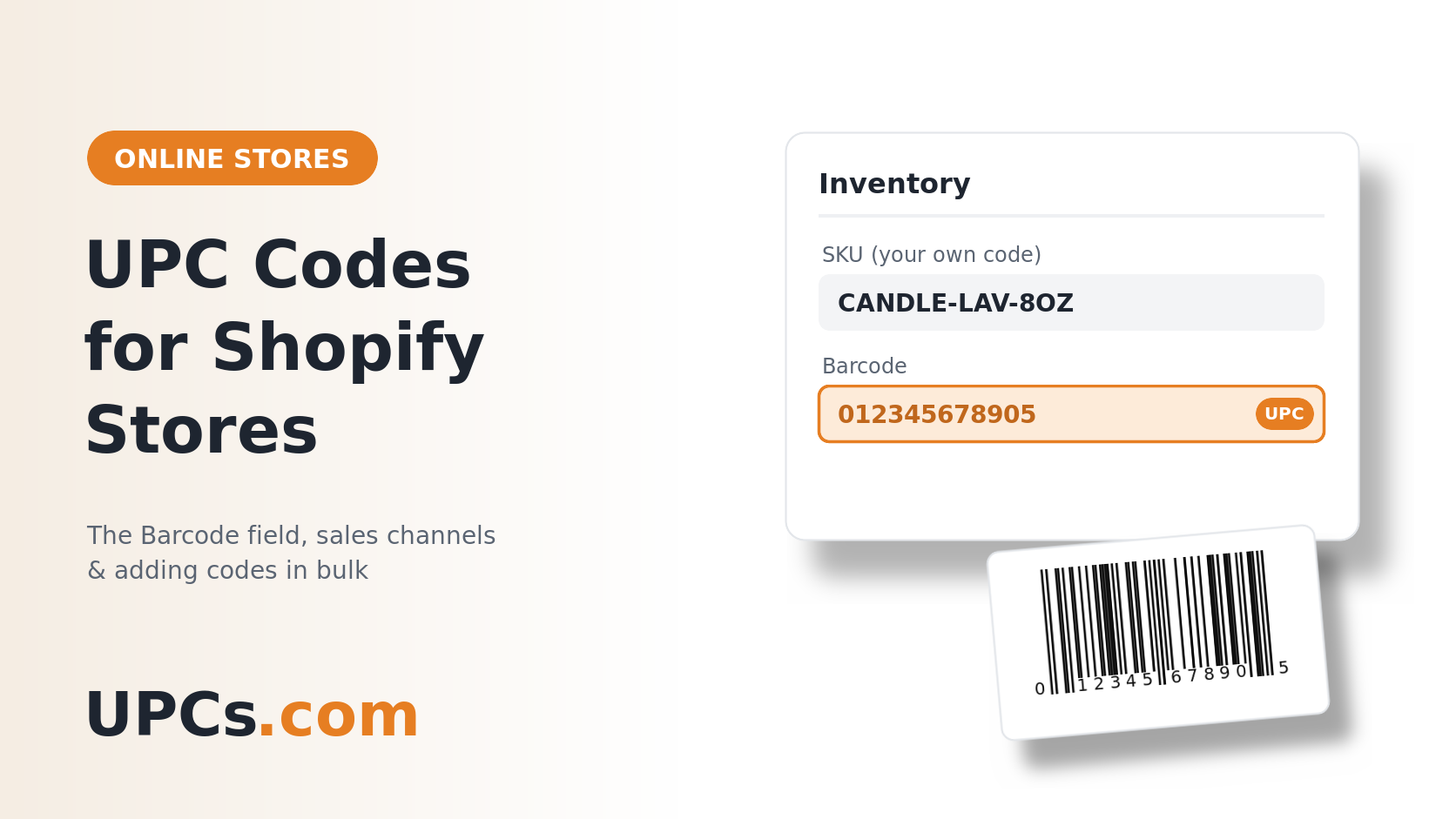 SKU is your own internal code. The Barcode field holds the universal one that channels and scanners read.
What the Shopify Barcode Field Is
Shopify describes barcodes as identifiers for products and variants, used for scanning and for product identification in online marketplaces. A few details from its help center are worth knowing:
- Each variant has its own. A shirt in three sizes has three barcode entries.
- You can store up to 20 barcodes on a product or variant. The same value cannot be used twice on the same one.
- Each barcode has a type. If you pick a standard type, the value has to match that standard's length and characters.
| Type | What Shopify Accepts |
|---|---|
| UPC | 8 or 12 digits |
| EAN | 8 or 13 digits |
| GTIN | 8, 12, 13 or 14 digits |
| ISBN | 10 or 13 characters, for books |
| ASIN | 10 letters or digits |
| Custom | Any value up to 255 characters. This is the default. |
A standard retail UPC from UPCs.com is 12 digits, so choose UPC. (How the two codes differ: SKUs vs. UPCs.)
When You Need a Barcode on Shopify
| Where You Sell | What Shopify's Help Center Says |
|---|---|
| Online store only | The barcode is optional. |
| Google & YouTube channel | Google requires a unique product identifier for each product. If a product has a GTIN, you need to add it before you can publish. Without a GTIN, you add an MPN and brand. |
| Marketplace Connect | Amazon, Walmart, eBay and Target Plus require a unique product identifier such as a GTIN, UPC, MPN or EAN. Private label goods without one need an exemption from the marketplace. |
| Shopify POS | Barcode scanners add products to the cart at checkout. The device camera can scan 1D and 2D barcodes. |
| Shop channel | We could not find a published barcode requirement. Shopify's general note is that some sales channels might require a GTIN before a product can be published. |
Google also has category rules: music, movies and video games need a UPC, EAN or JAN, and books need an ISBN. (Background: Google Merchant Center GTINs. Marketplace rules: Walmart Marketplace requirements and eBay UPC requirements.)
Outside Shopify, two more situations call for a real code: a fulfillment warehouse that receives your stock by scan, and a wholesale buyer whose register needs a barcode on every unit.
Custom Value or Real UPC?
A Custom value is fine when the only scanner involved is your own. A number you invent will scan at your own POS because your store is the only place it has to mean anything.
It stops working the moment a channel asks for a GTIN. Those channels expect a real, unique code. A made-up number can be rejected, or worse, match your product to someone else's listing. (Why: online barcode generators.)
If you resell another brand's products, do not buy codes for them. Shopify's advice is the right one: the GTIN is printed above or below the barcode on the packaging, and the manufacturer can supply it. If the products are your own, you need your own codes. UPCs.com delivers them by email in minutes for a one-time fee.
How to Add UPCs in Bulk
-
1
Assign One Code Per Variant in a Spreadsheet
List every variant with its SKU, then paste one UPC beside each. Format the column as text so leading zeros stay in place. (Counting help: how many UPC codes do I need?)
-
2
Small Catalog: Use the Bulk Editor
In the Shopify admin, open Products, tick the products you want, and click Bulk edit. Use Columns to add the barcode column, paste your codes down it, and save.
-
3
Large Catalog: Export, Fill In, Re-Import
Export your products to CSV. Fill in the Barcodes column on each variant row (older files call it Barcode or Variant Barcode). Shopify's format puts the type before the value, for example
upc:012345678905. A value with no type is imported as Custom, and several codes are separated with semicolons. -
4
Import With Overwrite Turned On
Choose the option to overwrite products with matching handles. Shopify then replaces the values in the columns you changed. Keep a copy of the original export in case you need to go back.
-
5
Spot-Check and Print
Open a few products and confirm each variant shows the right code. Then put the barcode on the product itself with our free barcode generator, or order printed barcode label sheets at $29.99 per 1,000 labels.
Adding a single product? Open it, go to the variant's inventory details, type the code into the Barcode field and save.
Frequently Asked Questions
Does Shopify require a barcode?
No. The field is optional for your online store. Individual sales channels, such as Google and the marketplaces, set their own rules.
Is a SKU the same as a barcode?
No. A SKU is a code you make up to organize your own stock. A UPC is a universal code that identifies the product everywhere it is sold.
Do my variants need separate UPCs?
Yes. Every size, color and pack count that a customer can choose is its own product and gets its own code.
Should I pick GTIN or UPC as the type?
A 12-digit UPC is one kind of GTIN, so either type accepts it. Picking UPC keeps your data clear.
Can I use the same UPC on Shopify and on marketplaces?
Yes, and you should. One product keeps one code on every channel.
Fill In That Barcode Field
UPC codes delivered by email in minutes, one for every variant. One-time fee, no renewal fees, and a 30-day money-back guarantee.
Buy UPC Barcodes Now